Images
Embed images and use dividers to organize your pages.
Images
Embed images directly on your pages for visual reference.
Adding an Image
- Enter Edit Mode and tap +
- Select Image
- Tap to select an image, then choose Camera to take a new photo or Gallery to pick an existing one
- Crop the image, then choose how it displays — Full (the whole image at page width) or Banner (a shorter strip)
- Save
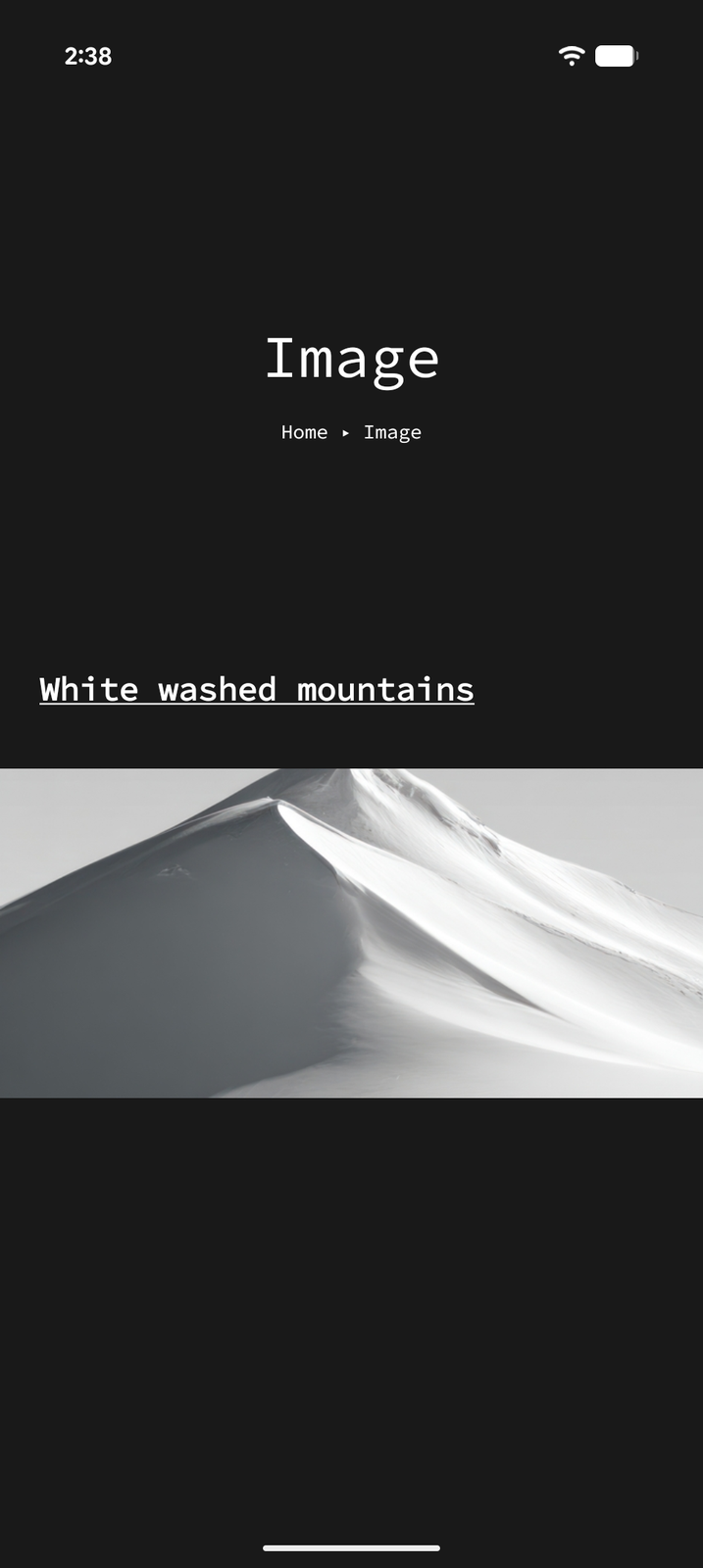
Images are displayed inline within your page content, allowing you to mix text, images, and other items freely. Tap an image to open it full-screen.
Dividers
Dividers are simple horizontal lines that visually separate sections of content on a page.
Adding a Divider
- Enter Edit Mode and tap +
- Select Divider
Dividers have no content or settings — they're purely visual separators to help organize your page layout.