Everything your home screen can do.
Tree Launcher combines a productivity workspace into your Android home screen. Here's how it all works.
Organize everything.
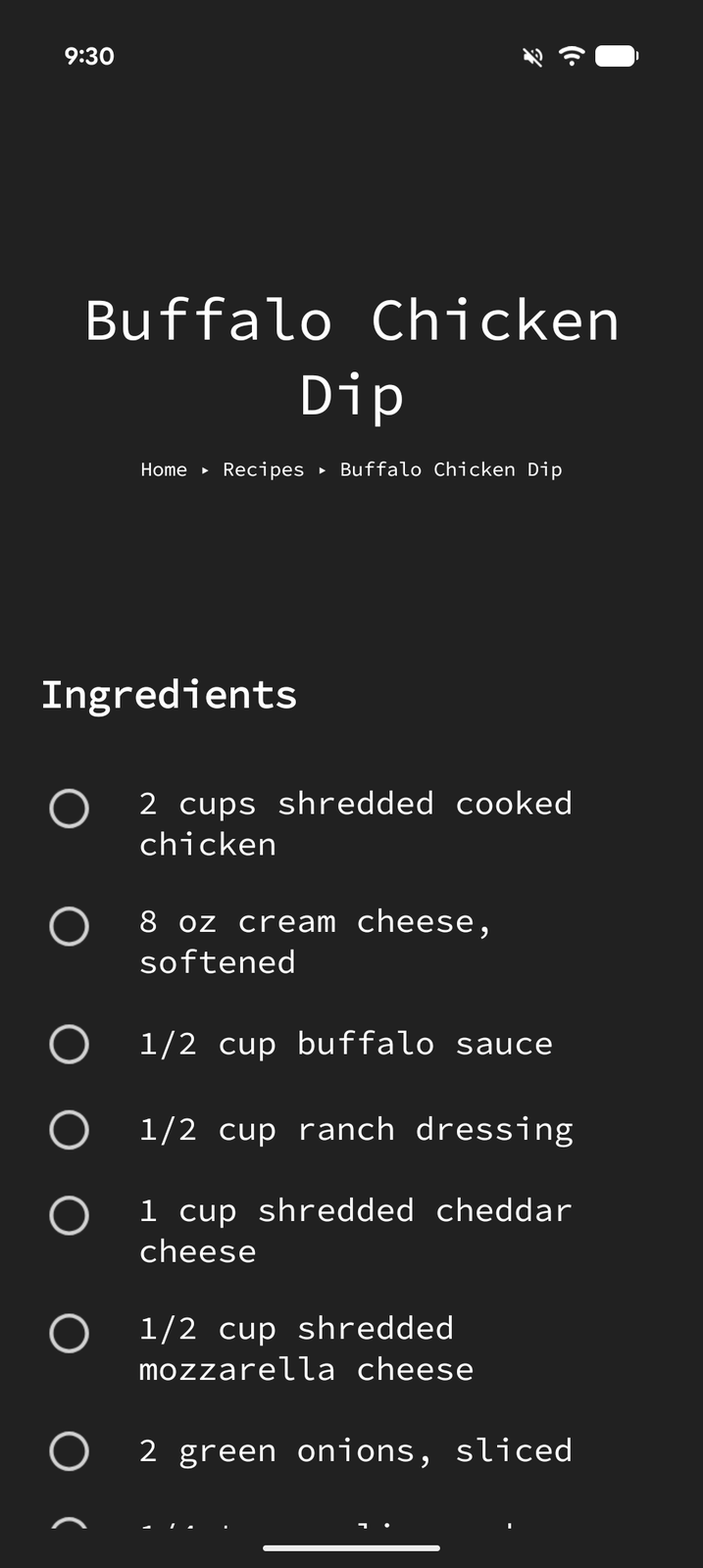
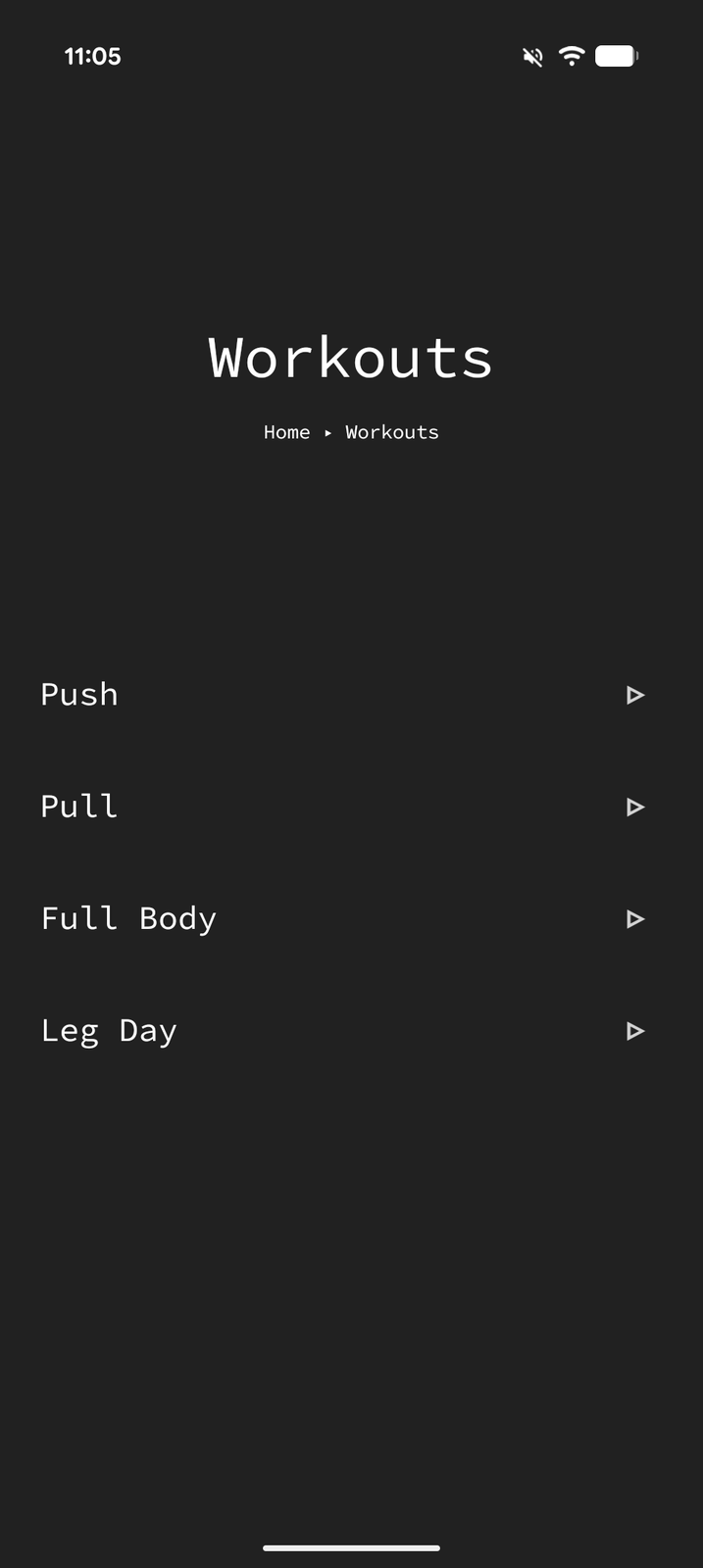
Pages are the core building block. Every item lives inside a page, and pages can contain other pages, forming a tree as deep or shallow as you need.
Pages within pages
Build a hierarchy that mirrors how you think. Work, Personal, Projects, Hobbies: each gets its own space with unlimited depth.
- Nested pages to any depth, like a file explorer
- Swipe right to enter, left to go back
- Duplicate pages as templates
- Open any page as a separate Android task instance
Find anything, instantly
Search across your entire tree of pages and items. Filter by tags, view pinned items, or capture ideas to your inbox for later sorting.
- Global search across all pages and items
- Tags for cross-referencing
- Pinned items with a dedicated view
- Inbox for quick capture
- Filtered views for tasks, events, and more
Create content on your home screen.
Text, tasks, links, images: create and organize content right where you launch your apps.
Text
Write freeform text in multiple formats: plain text, bullet lists, numbered lists, and blockquotes. Full markdown support.
Tasks
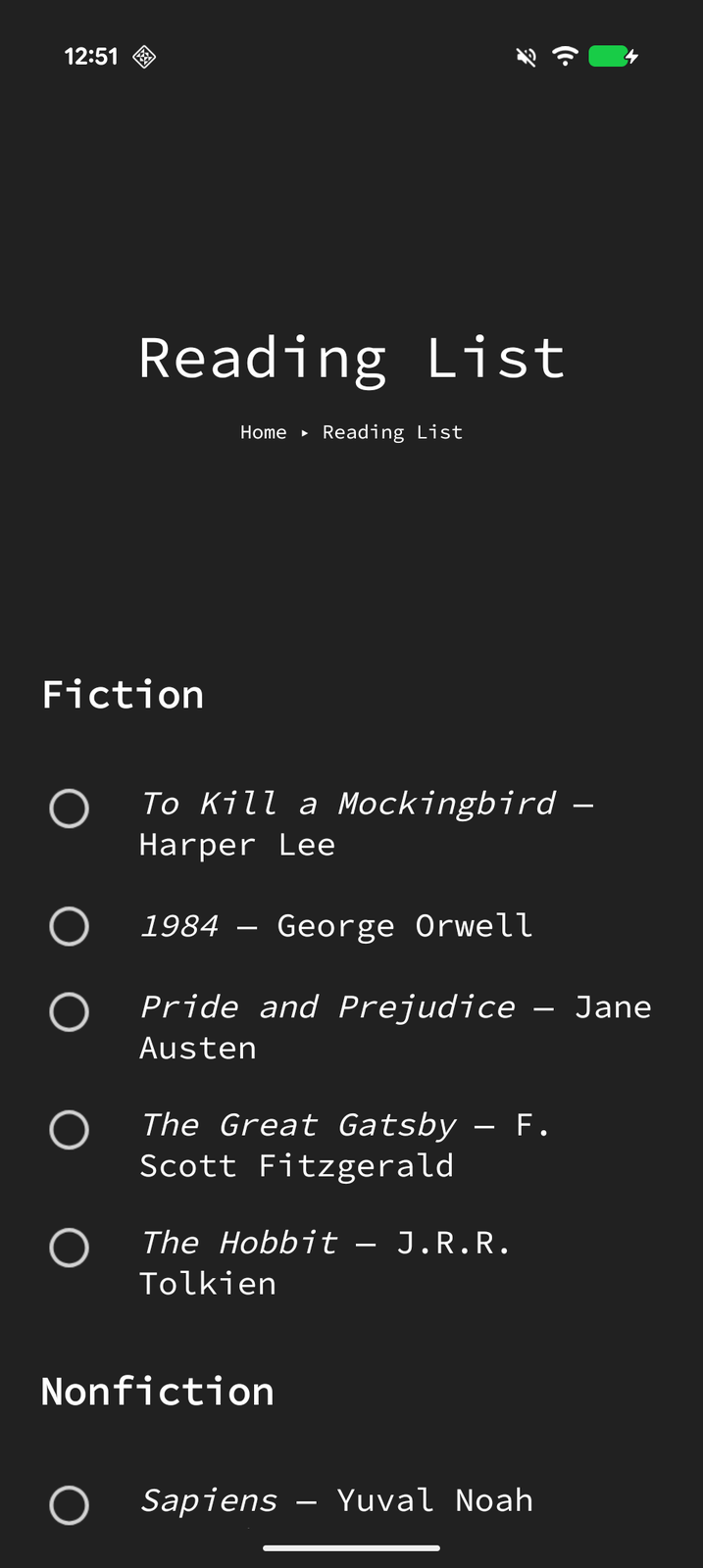
Create tasks with completion tracking. Optional auto-delete when completed to keep pages clean.
Reminders
Quick-create reminders with date, time, and recurrence: daily, weekly, monthly, or yearly.
Links
Save and open URLs directly from any page. Bookmark important sites alongside your apps.
Images
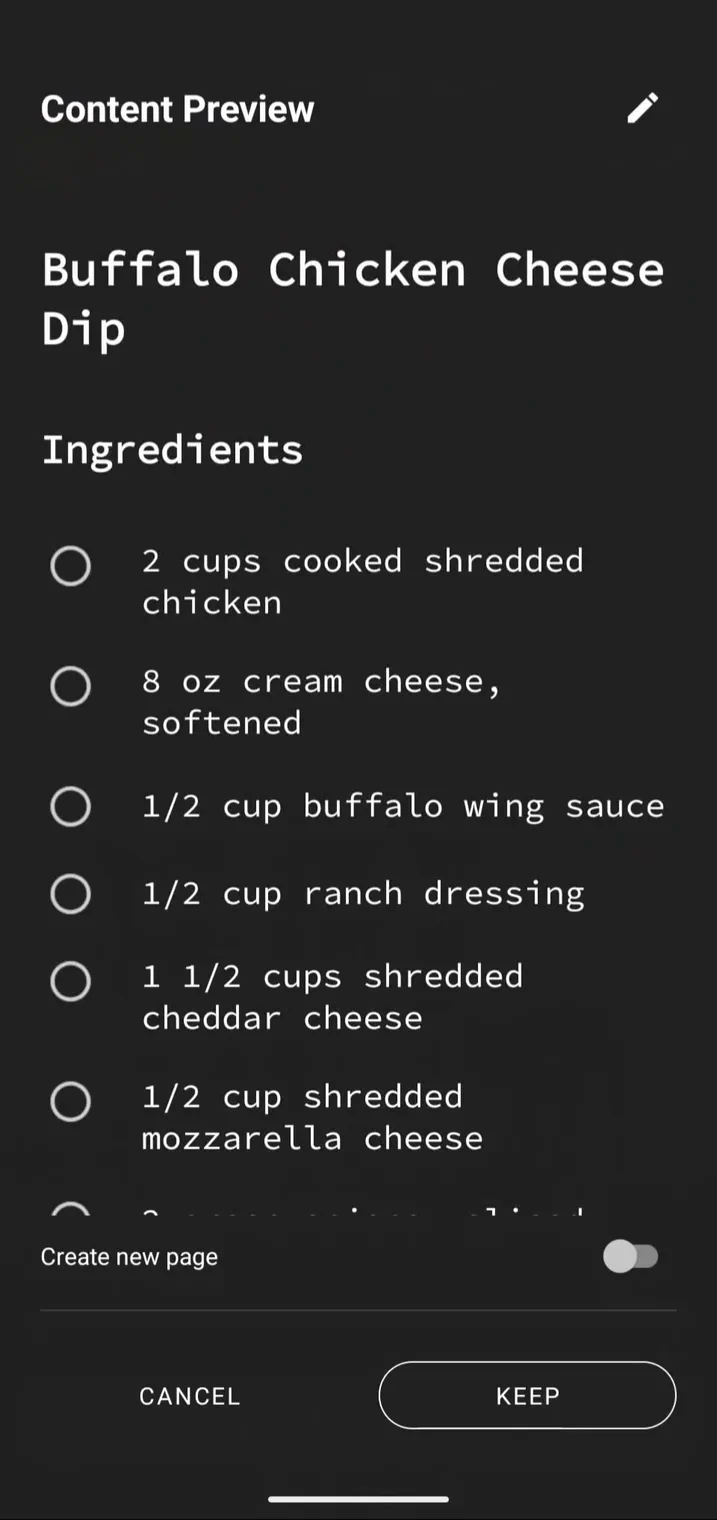
Embed and view images inline within any page. Perfect for reference photos, screenshots, and inspiration.
Headings & dividers
Structure your pages with H1, H2, H3 headings and visual dividers between sections.
Still a full-featured launcher.
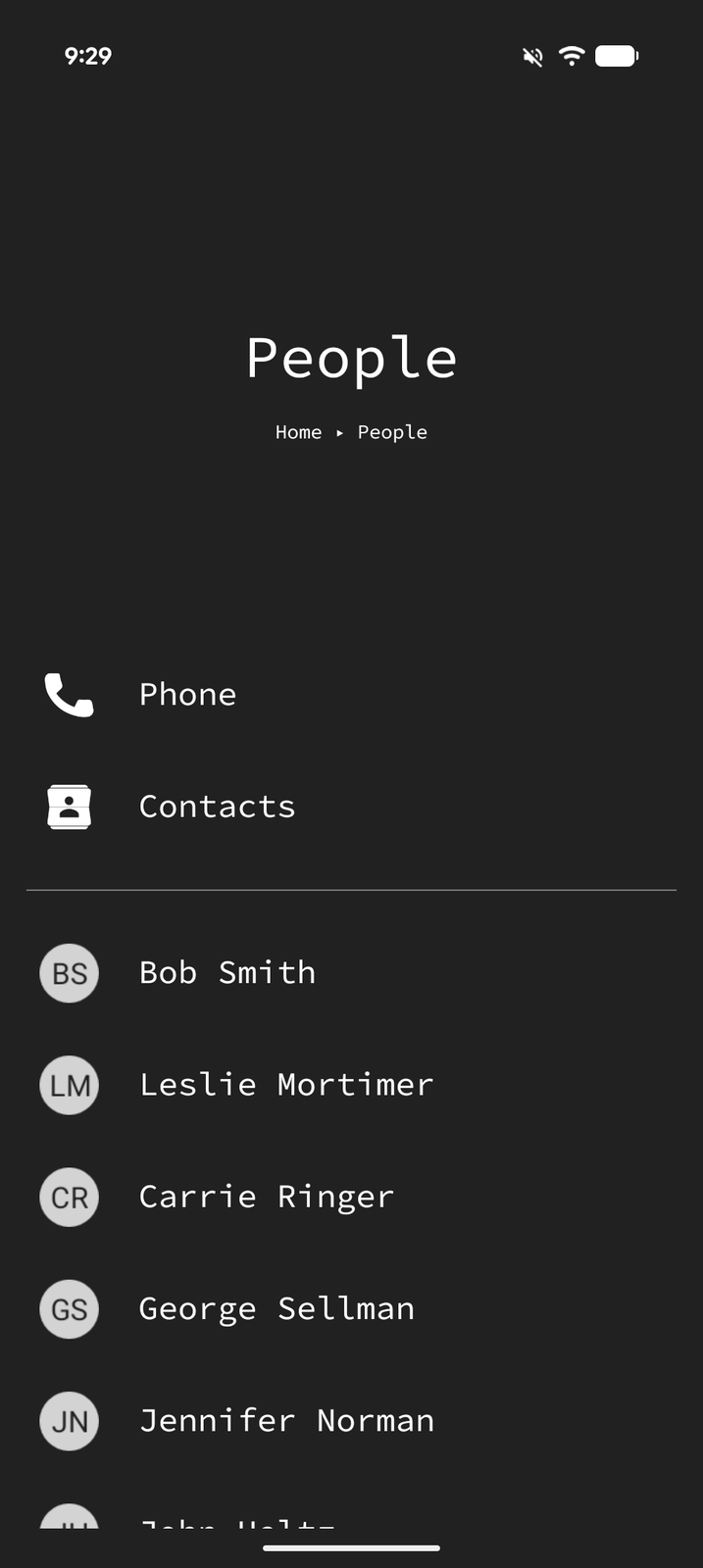
Quick access to every app, contact, and setting on your phone, right alongside your organized content.
App shortcuts
Launch any installed app from any page. Place apps exactly where they make sense in your hierarchy.
Contact shortcuts
Quick-dial or message contacts directly from your home screen. No digging through your contacts app.
Settings shortcuts
Quick access to specific Android settings screens like Wi-Fi, Bluetooth, battery, and more.
Make it yours.
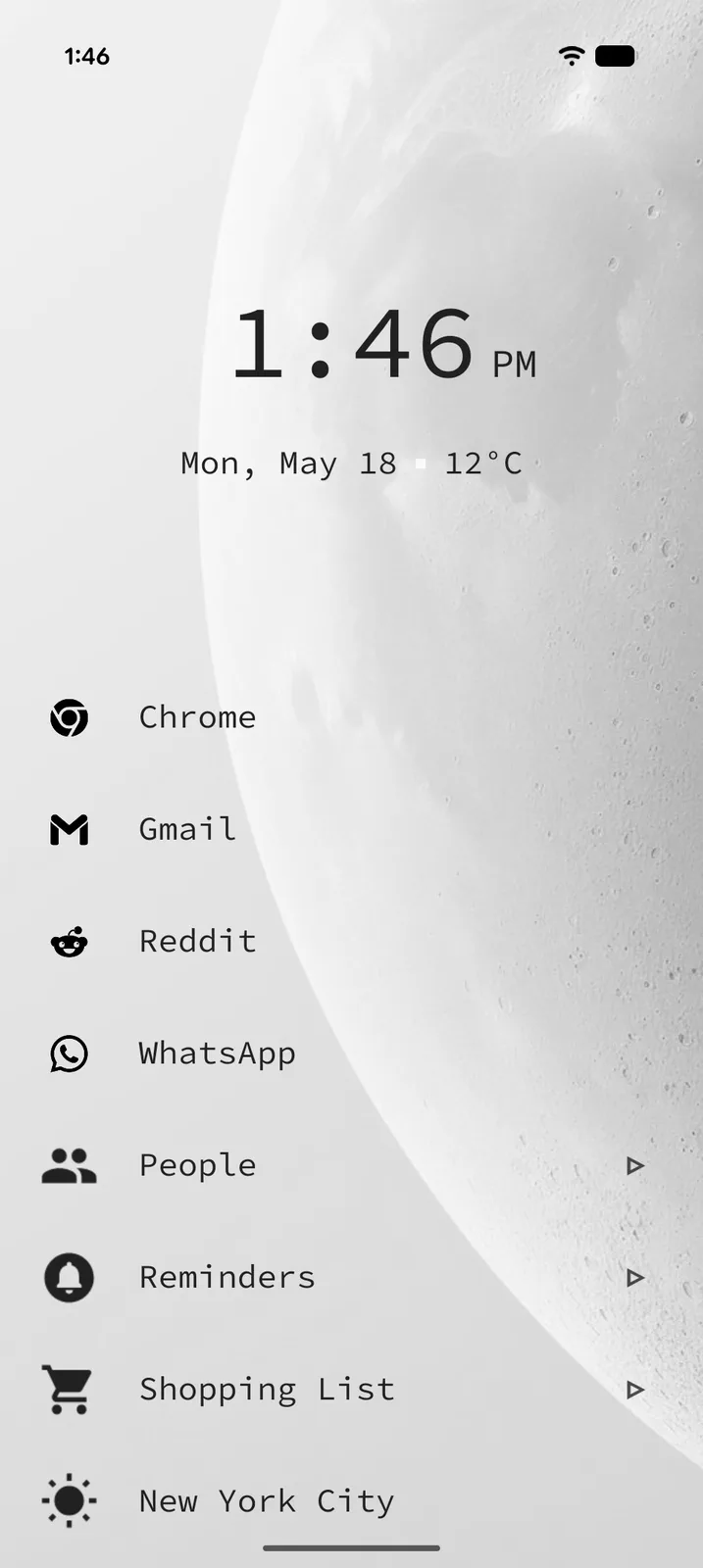
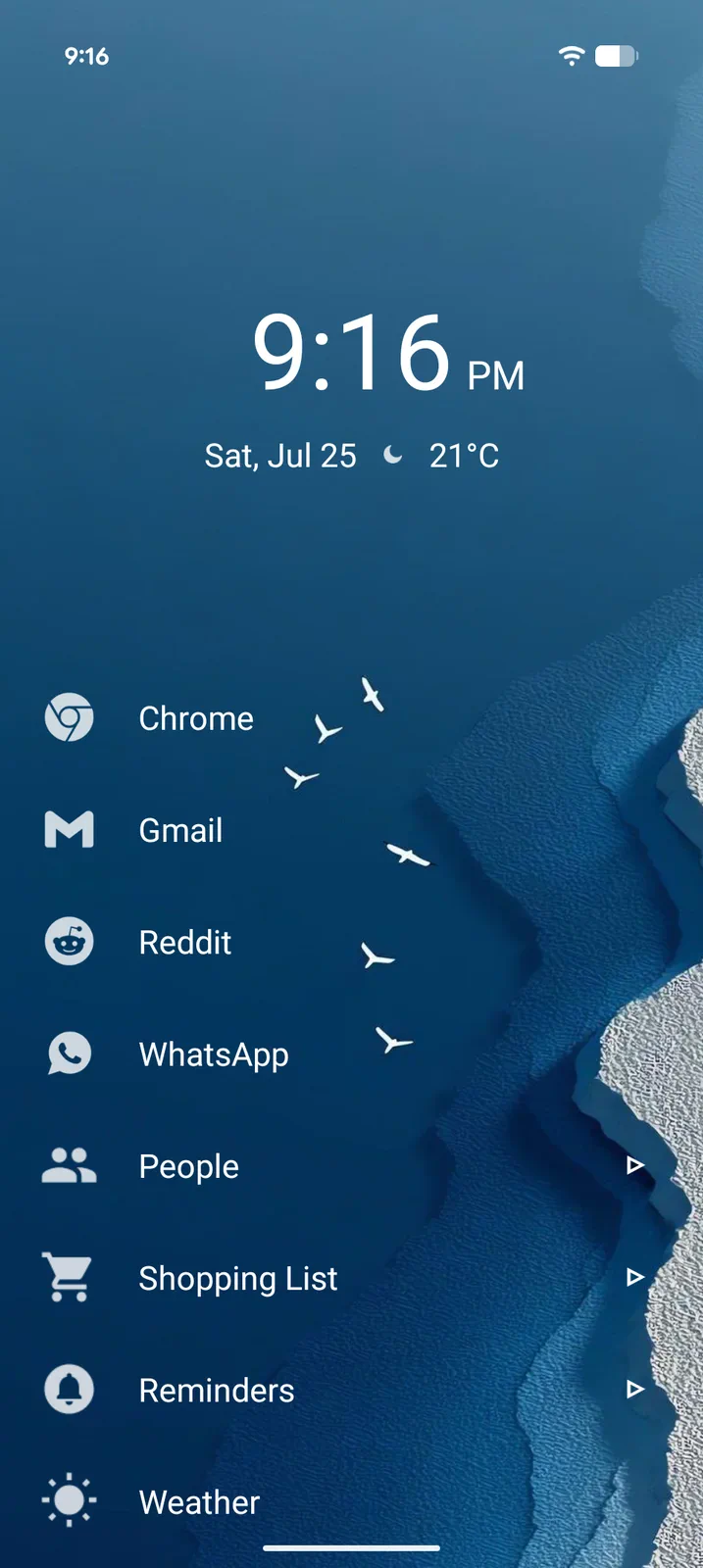
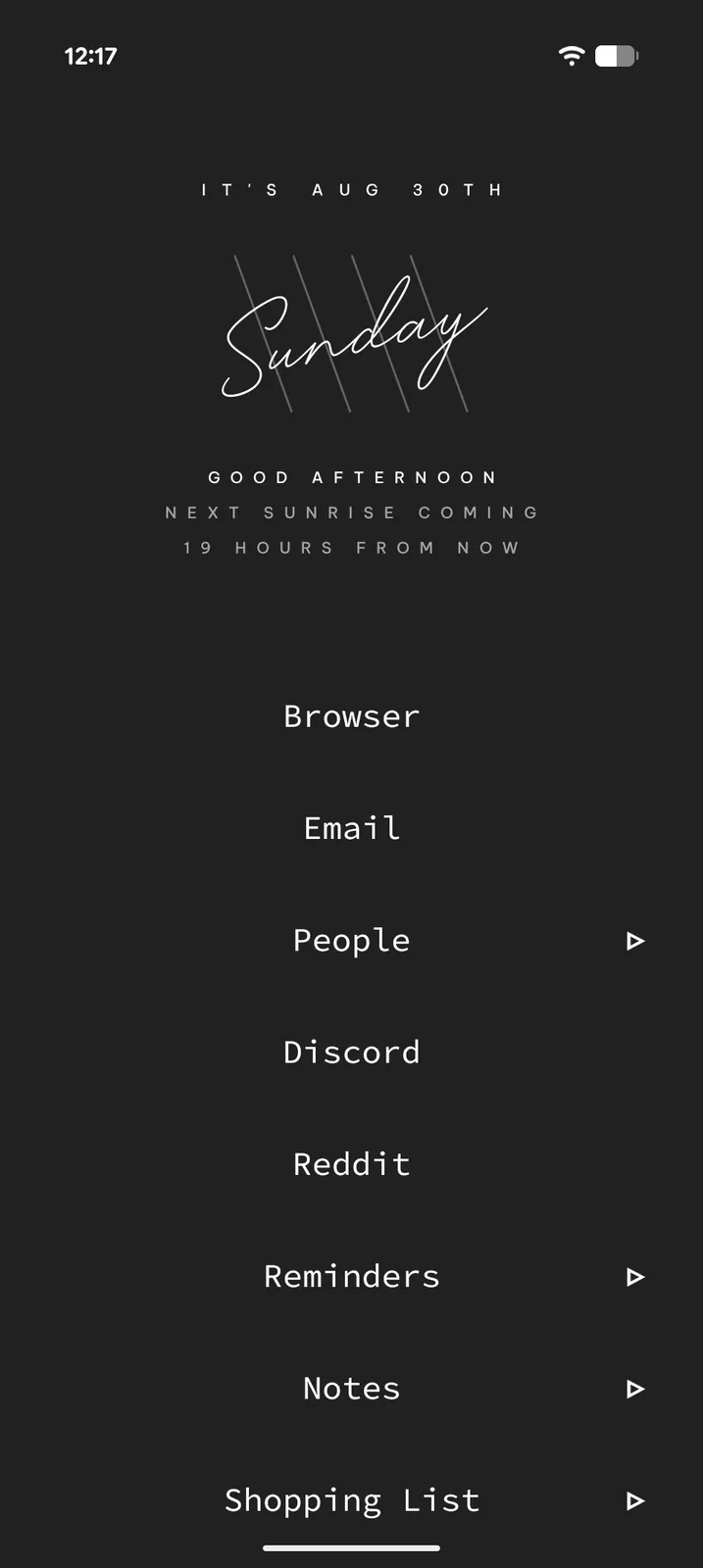
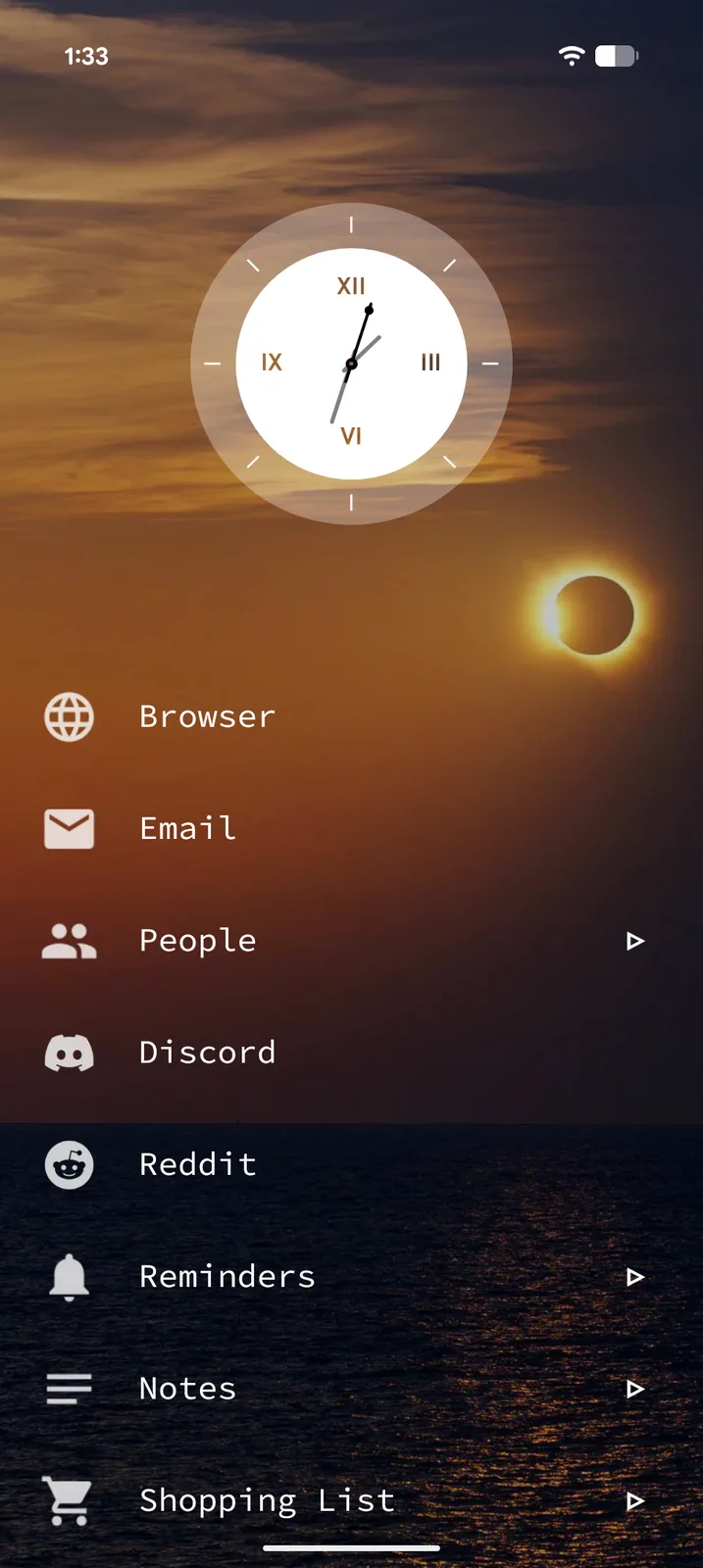
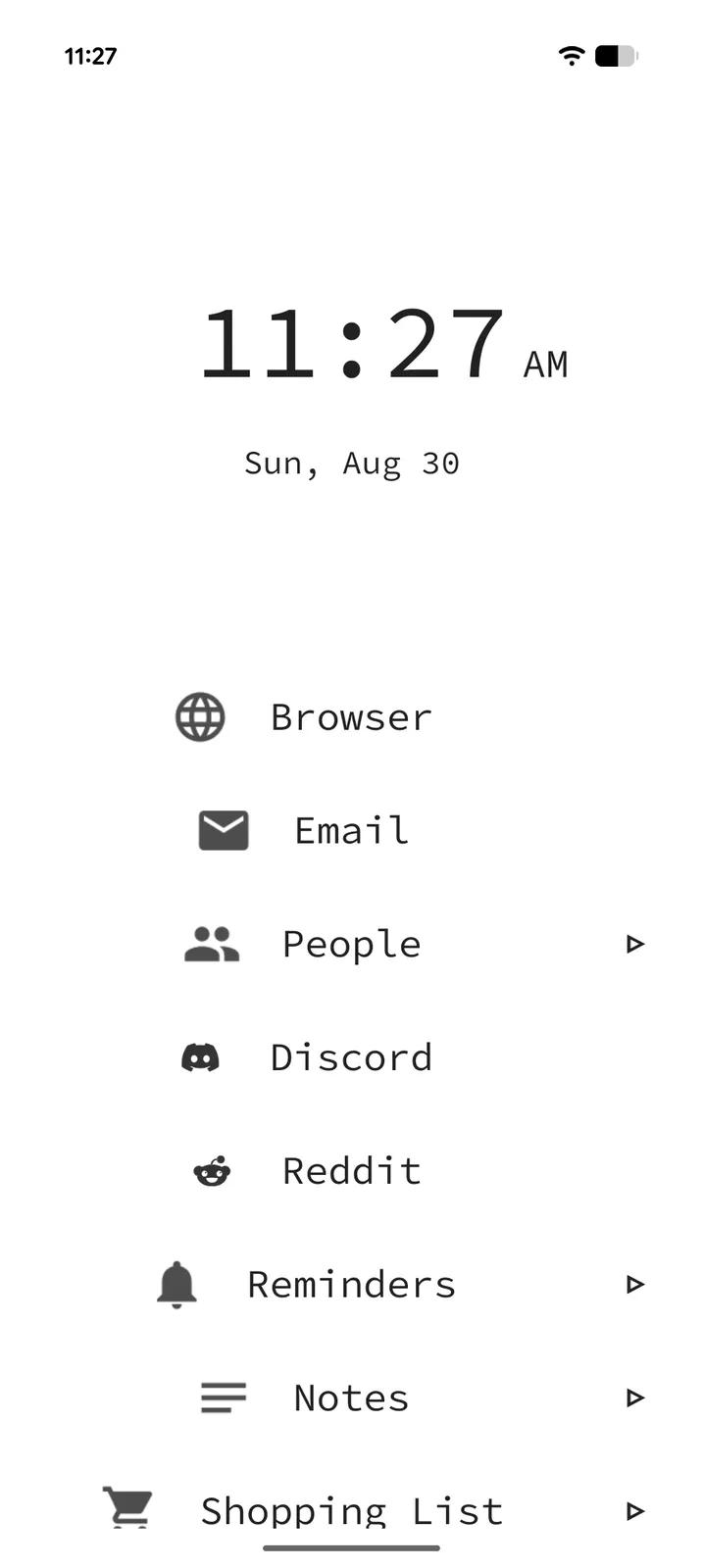
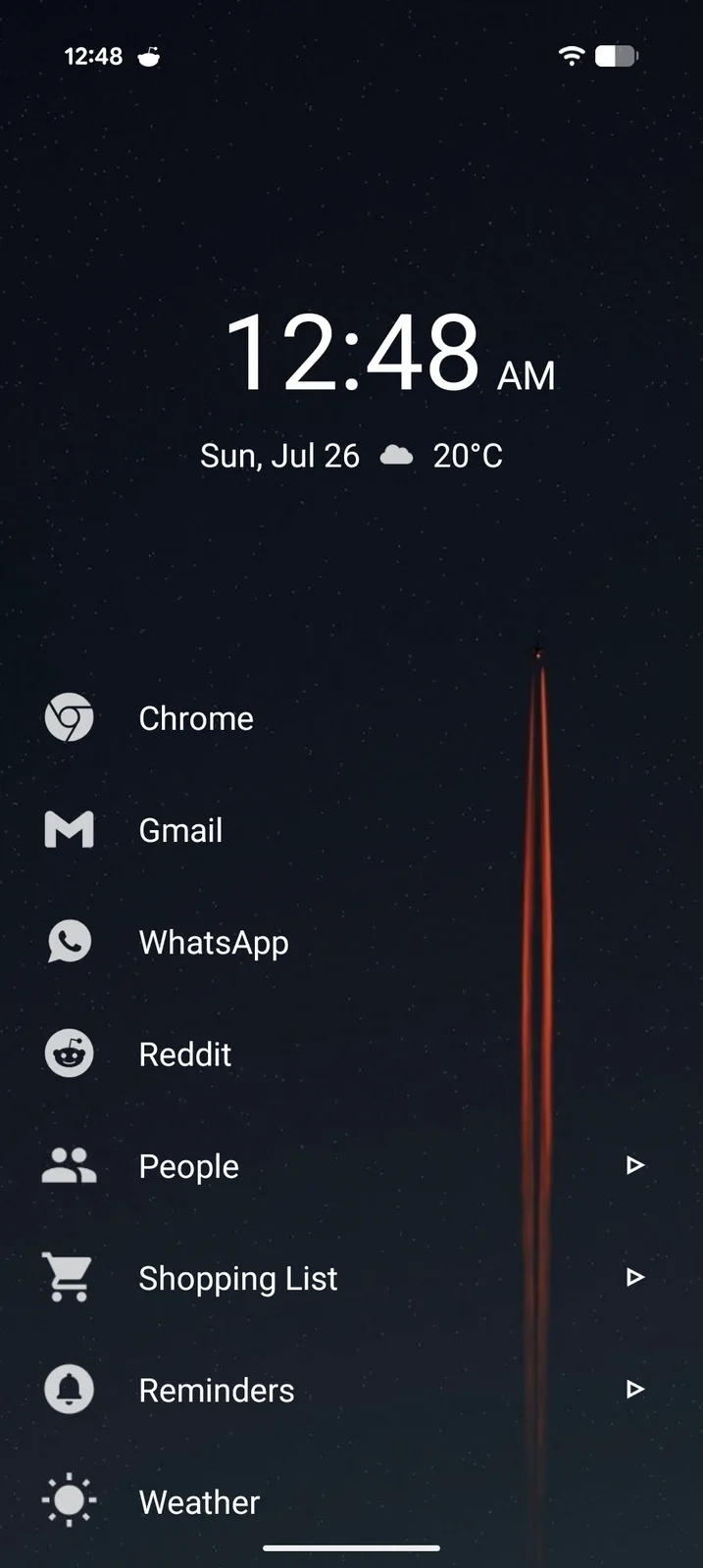
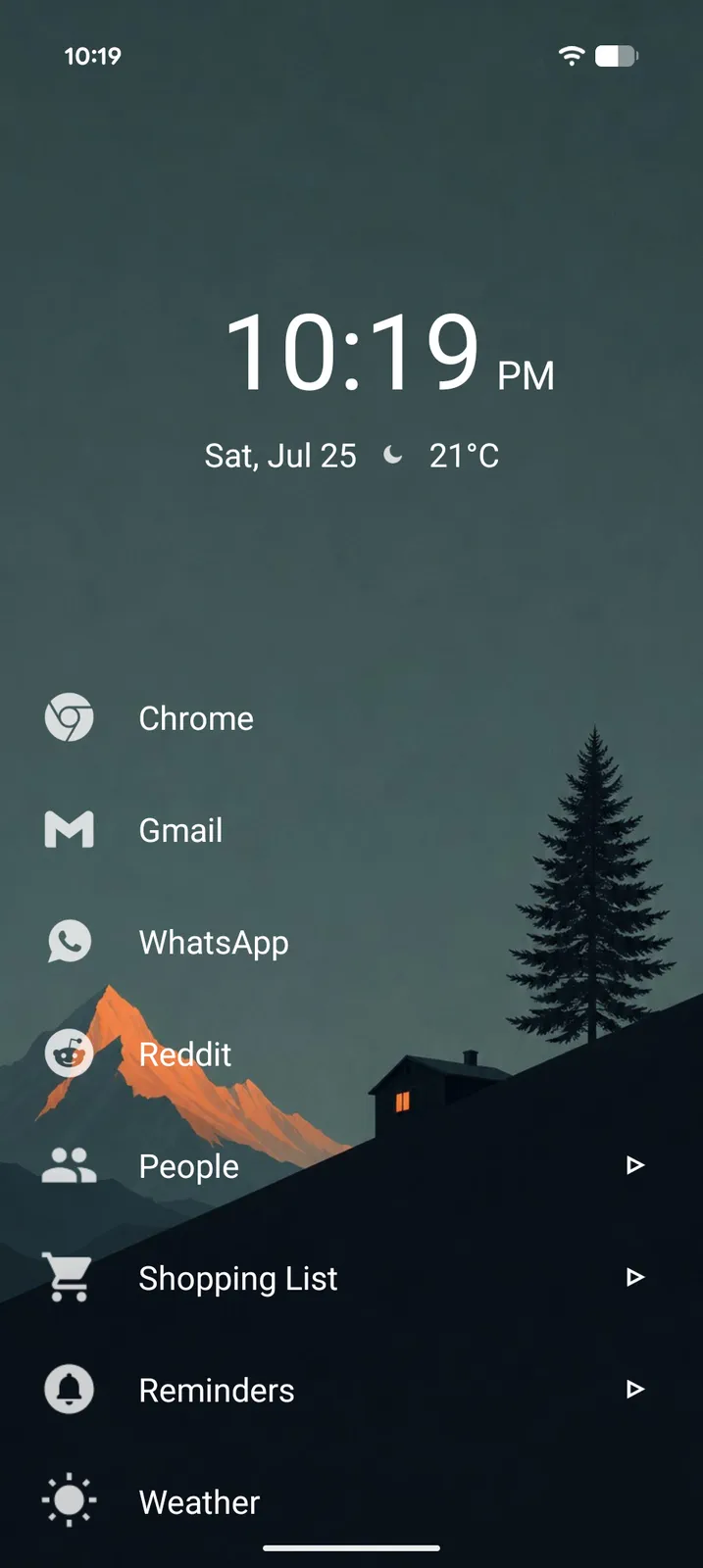
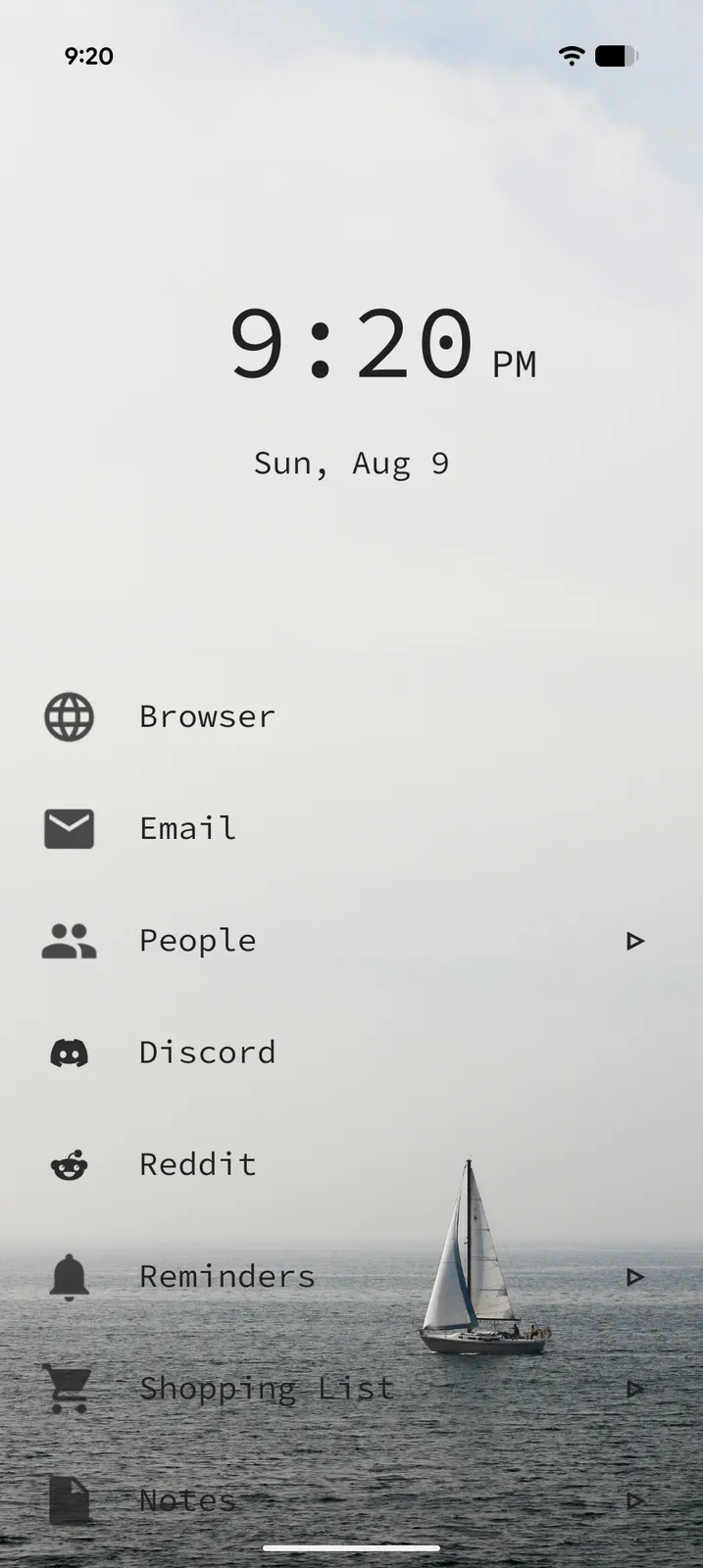
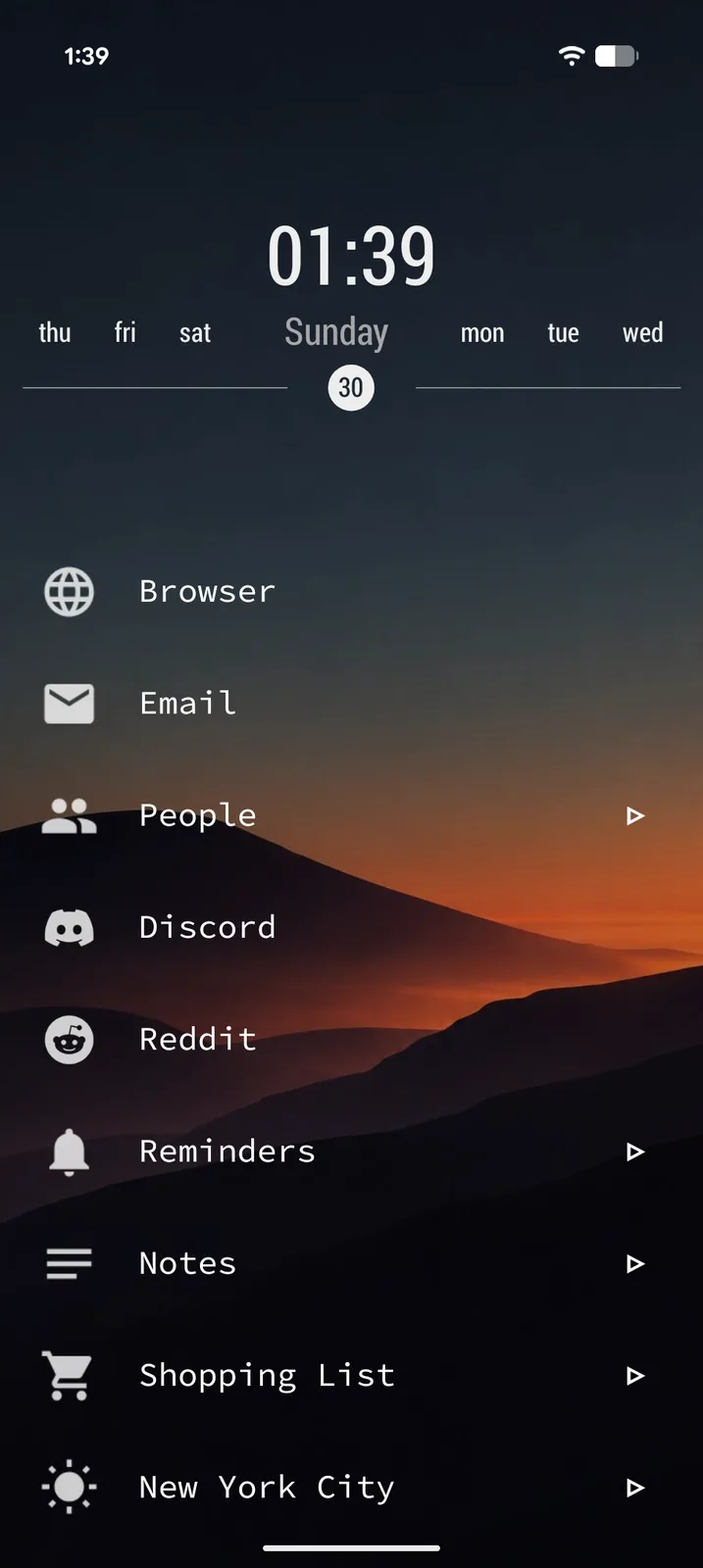
Themes, an icon engine and a header for every page. Build a home screen that looks like nobody else's, without hunting for icon packs or widgets.
Themes
Every style setting in one place, saved together as a theme you can swap in a tap.
- 28 ready-made presets, each built around a photo background
- Create your own, or edit the look you have now, in a full-screen live preview
- Nothing changes until you apply, and Undo is one tap away
- Save as many themes as you like in My Themes
- Share themes with friends as a file, and open theirs
- Backgrounds: built-in photo gallery, your own image, solid colors or gradients, plus an overlay for readability
- Light and dark mode, accent colors, fonts and text styling
Icon engine
Restyle every icon on your home screen at once, right inside the app.
- Ready-made styles: rings, soft tiles, squircles, squares, accent glyphs and more
- Pick the icon background's shape, fill and border
- Color the glyphs to match your theme or accent
- Adjustable icon size, free for everyone
- Third-party icon packs still supported
- Custom icons on any item
Headers
Your Home header, and now every page's header, styled your way.
- 12 Home layouts: a giant hour, a clock ring, a sentence, a calendar date and more
- Box, band and rules frames around any header
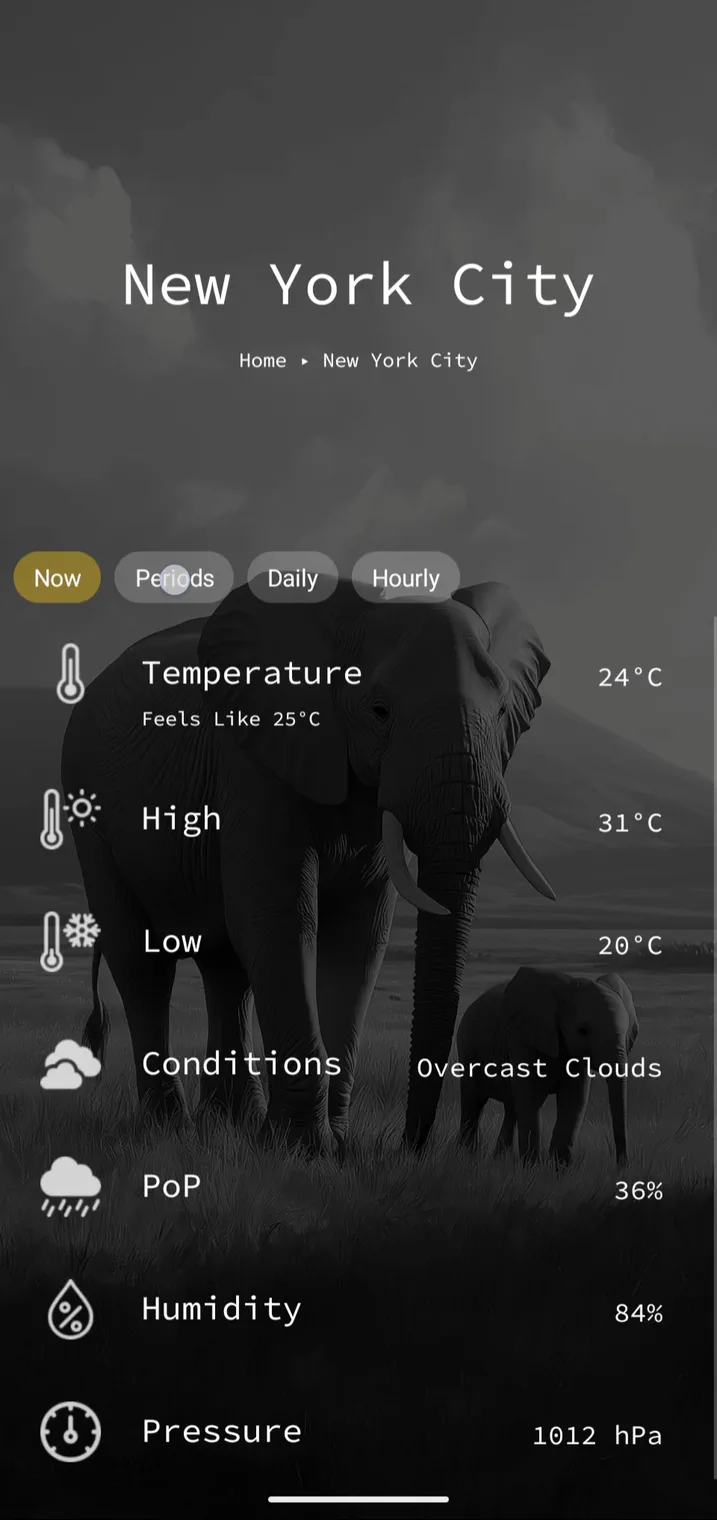
- A header on every page, with its own title style and frame
- Header fonts, sizes, weight and alignment
- Clock, date and weather (Pro), shown your way
- Or a stack of Android widgets instead (Pro)
Your setup, your style
Mix a theme, an icon style and a header, then give each page its own touches:
- Per-item color coding for visual organization
- Background colors per page
- Align items left or centered, per page
- Show or hide icons and page arrows
Your data, your control.
Tree Launcher respects your privacy and keeps your data safe. No ads, no data collection.
Google Drive backup
Optionally back up and restore your entire setup to Google Drive. Your data is never stored on Tree Launcher servers.
Share & import
Share text, links, and more from any app directly into Tree Launcher. Import from clipboard with a single tap.
Markdown export
Export any page as universal markdown, ready to use in Obsidian or anywhere else.
Recycle bin
Deleted notes and pages are recoverable for 30 days. Nothing is lost permanently unless you want it to be.
Notification badges
See notification dots on your apps right on the home screen.
Scheduled
See your upcoming reminders and events at a glance. Add your existing calendars to view their events alongside them — a reminders view, not a full calendar app.
Unlock your full potential with Pro.
Everything in Free, plus advanced features for power users who want more from their home screen.
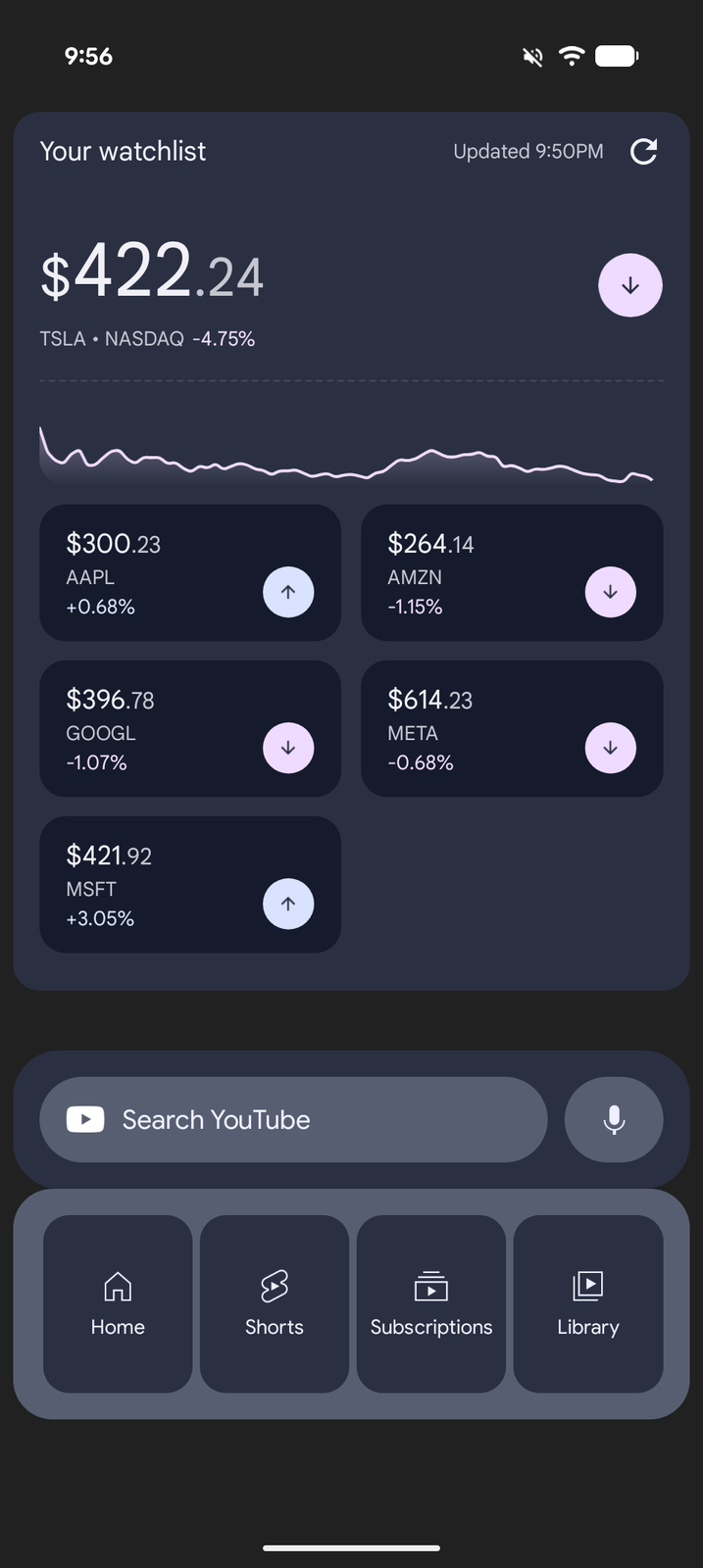
Also in Pro: RSS feeds for the news and blogs you follow (import your subscriptions with OPML), and PIN protection for sensitive pages and items.
See what's in Pro →Ready to try it?
Free on Google Play. No ads. No clutter. Just you and your organized life.
Get Tree Launcher