Your home screen, organized like your brain.
Not a grid. Not a list. A map. An Android launcher where apps, notes, links, and tasks live in a tree of pages you navigate by swiping.
Free on Google Play. No ads.
Your home screen should do more than launch apps.
Most launchers give you a grid of icons or a flat list. Neither reflects how you actually organize your life.
The app grid
What your phone came with. A wall of colorful icons competing for your attention.
- ✗ Cluttered and distracting
- ✗ Limited organization by page or simple folders
- ✗ Apps only
The minimal list
What other launchers offer. Cleaner, but still just a flat list of apps.
- ✓ Clean and simple
- ✗ No depth or hierarchy
- ✗ Apps only
The organized tree
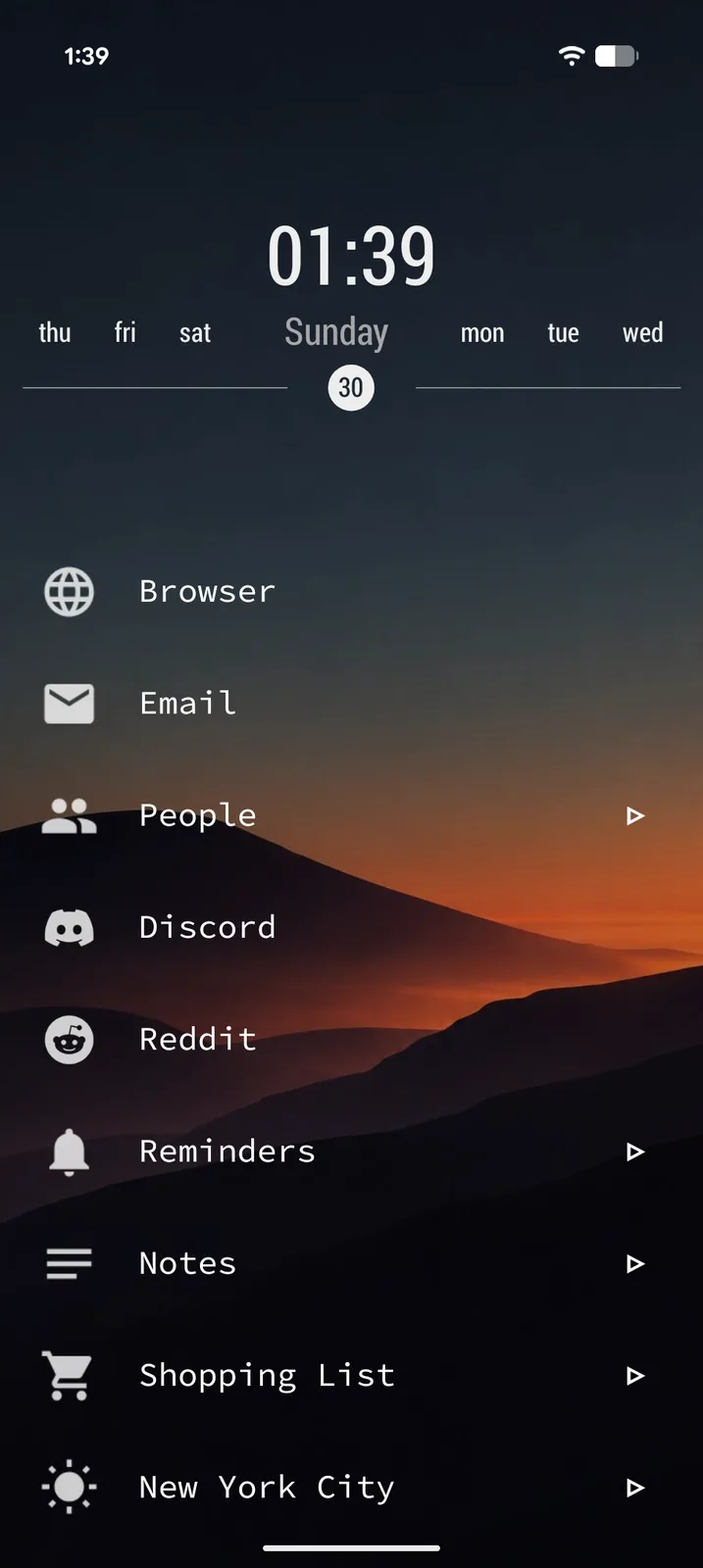
What Tree Launcher does. A spatial hierarchy where everything has its place.
- ✓ Clean and calm
- ✓ Nested pages for depth
- ✓ Apps, notes, tasks, and more
A launcher and a notebook in one.
Everything you need to organize your digital life, right on your home screen.
Pages within pages.
Build a tree of pages as deep as you need. Work, Personal, Projects, Hobbies: each gets its own space. Swipe right to go deeper, left to go back. It's the spatial model your brain already uses.
Apps and notes, side by side.
Apps, contacts, text notes, tasks, links, images. They all live together in the same pages. Build a to-do list next to the apps you need. Save a recipe with a link to your grocery app. Your home screen becomes a workspace.
A whole new look in one tap.
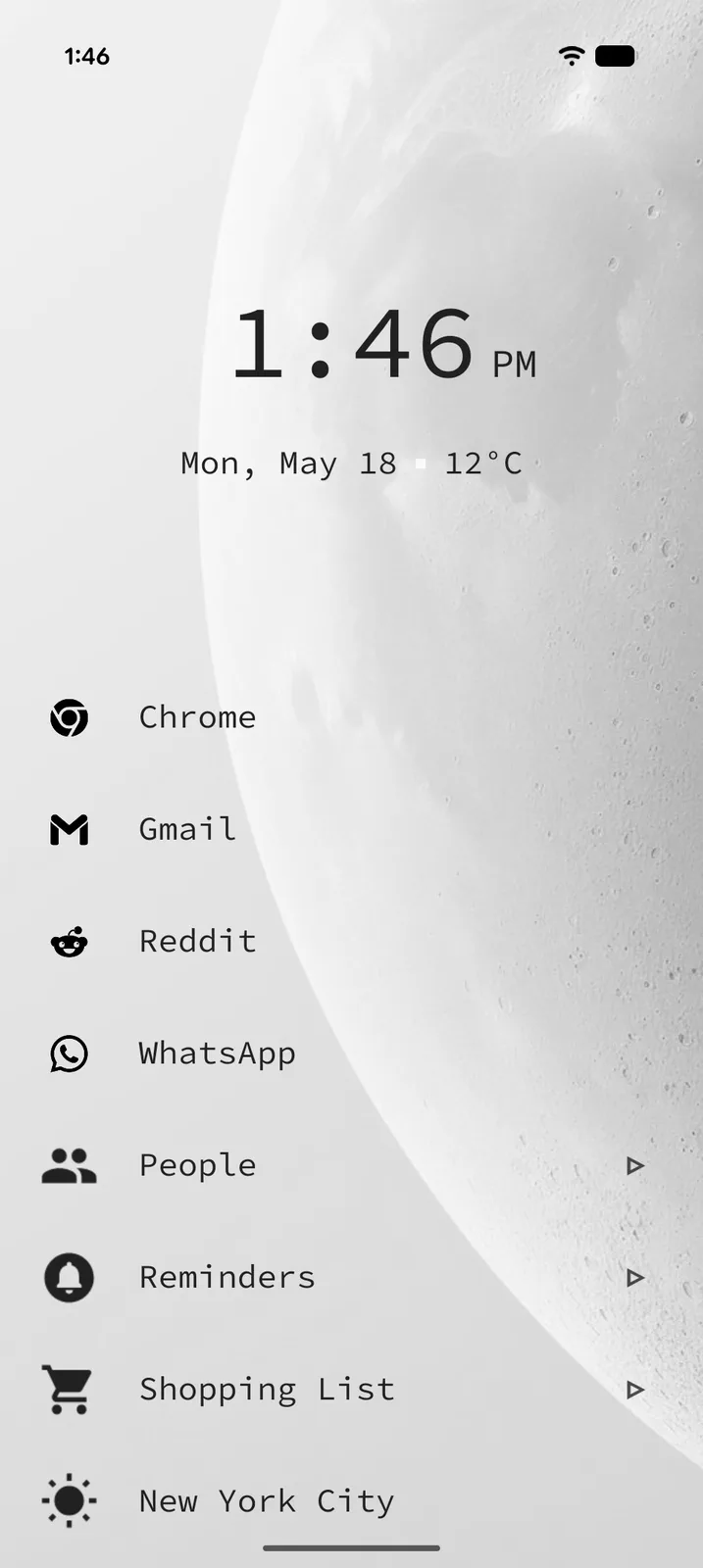
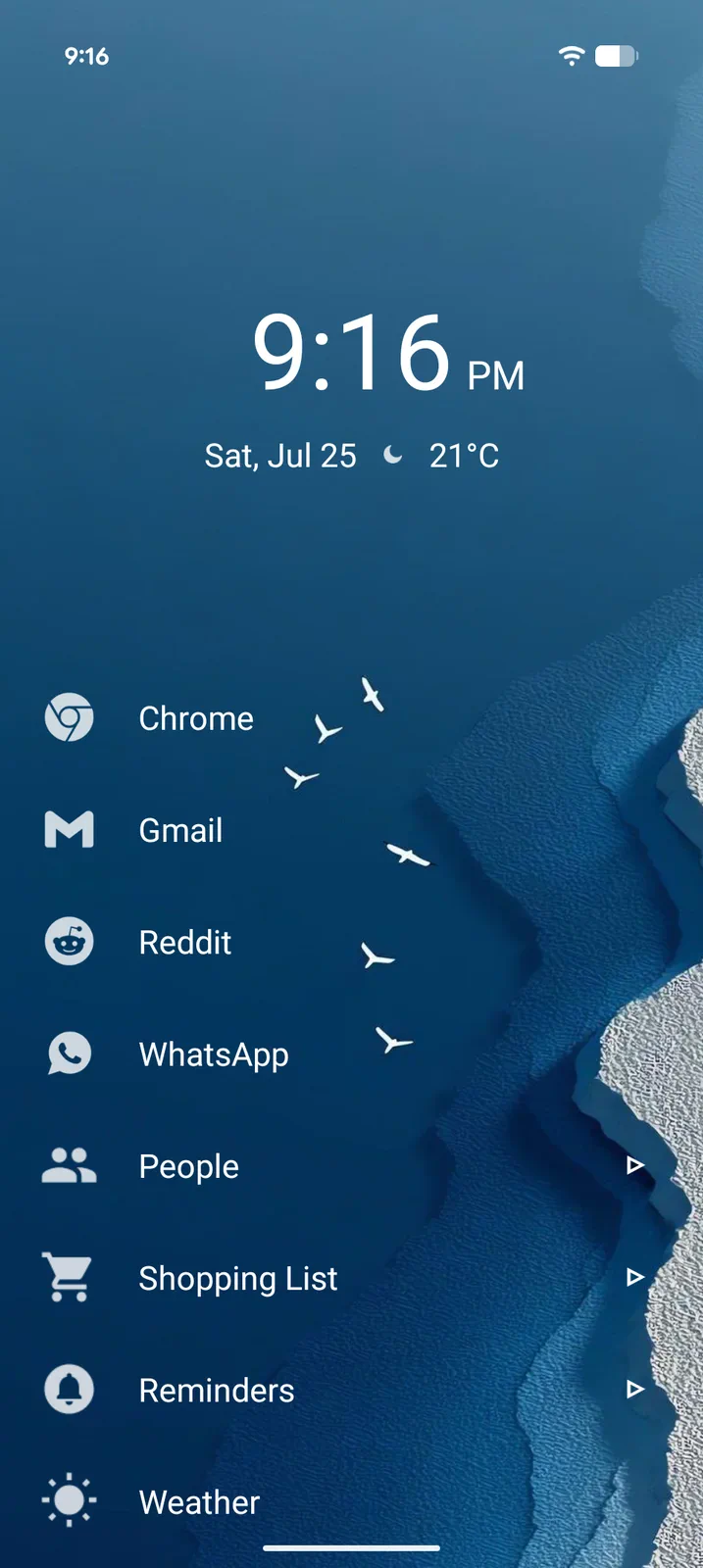
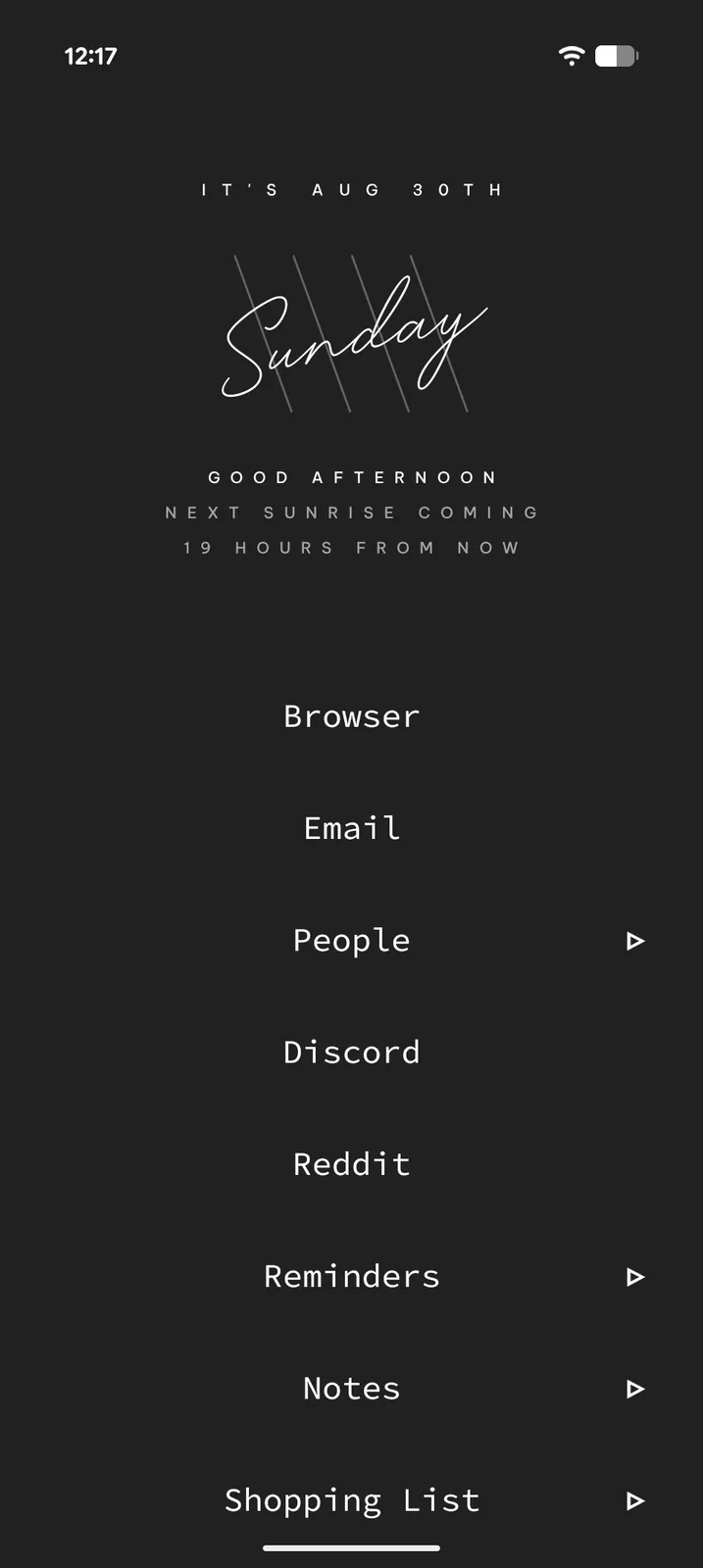
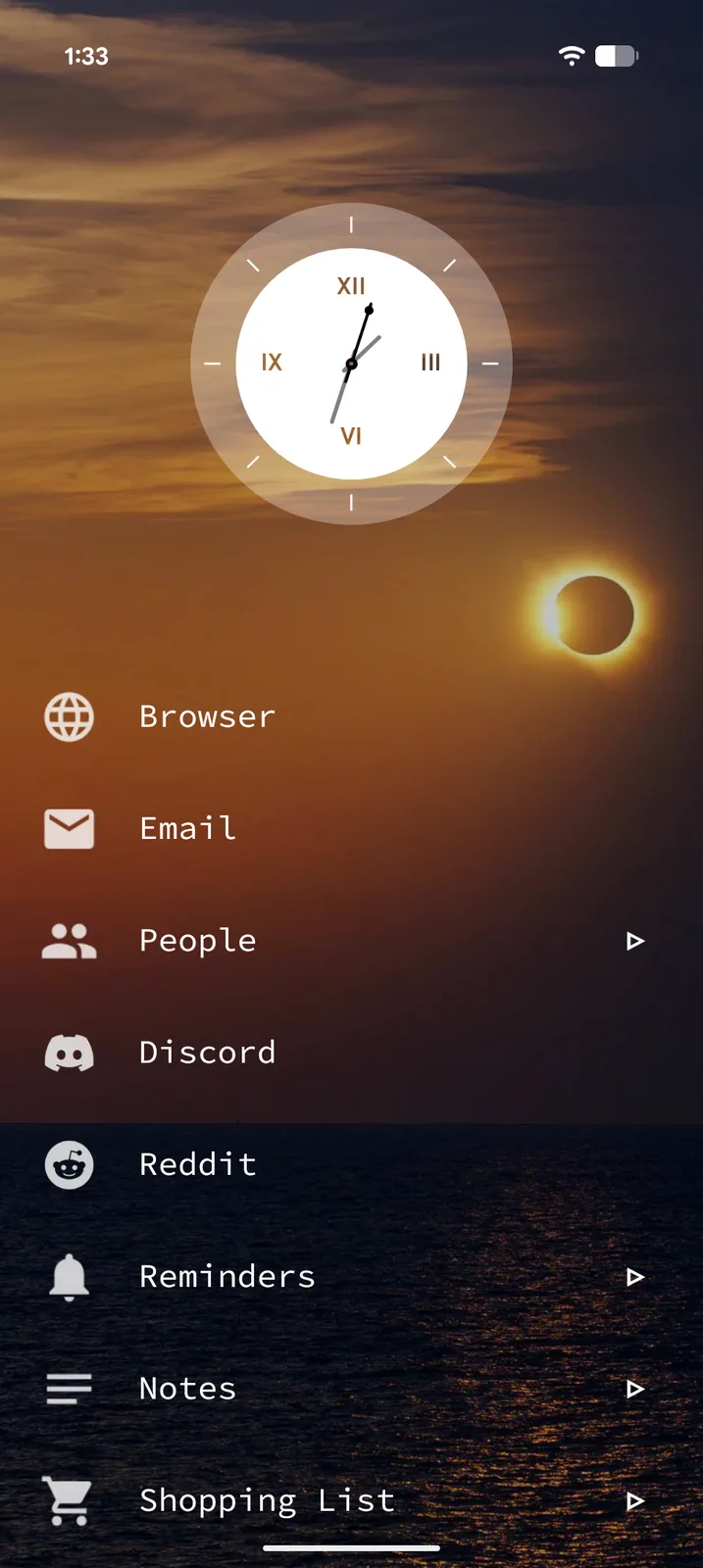
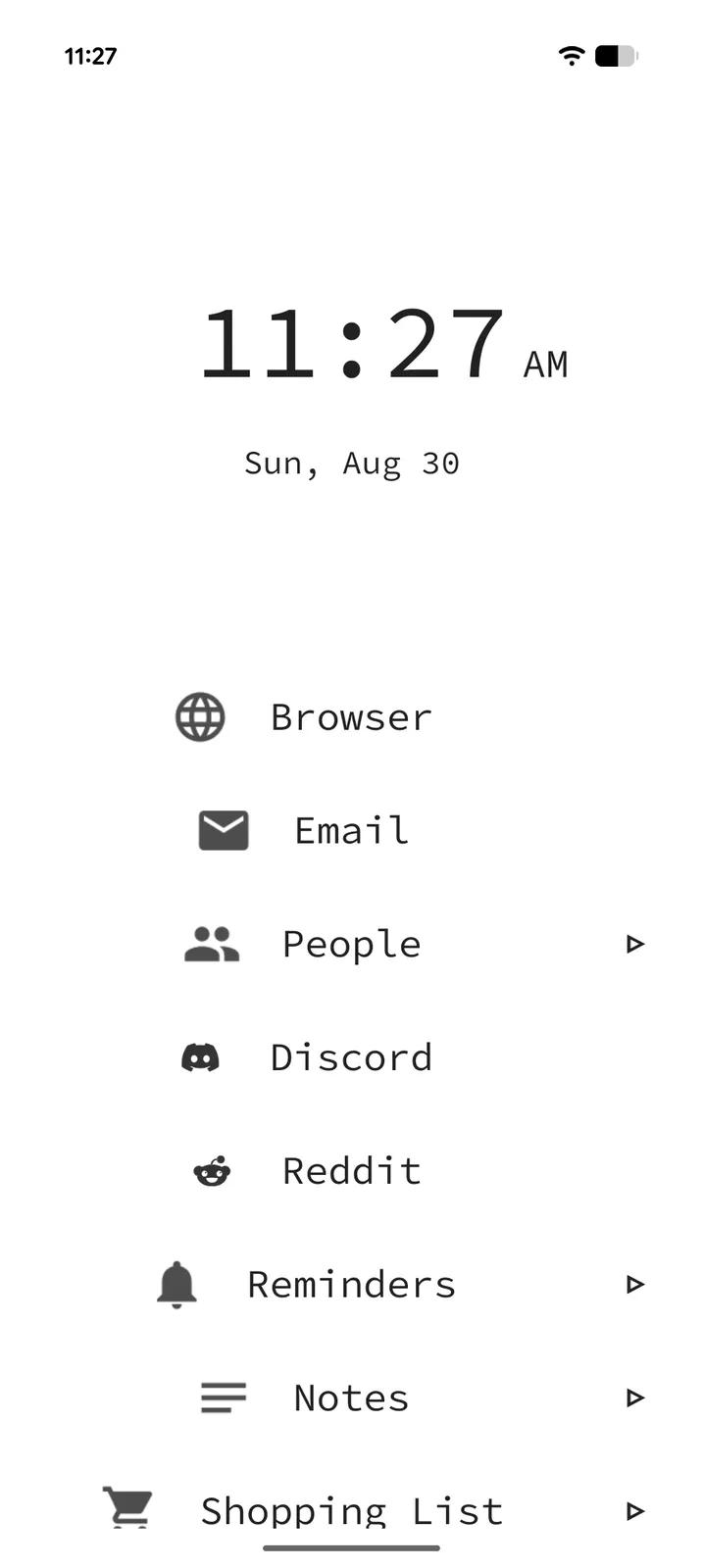
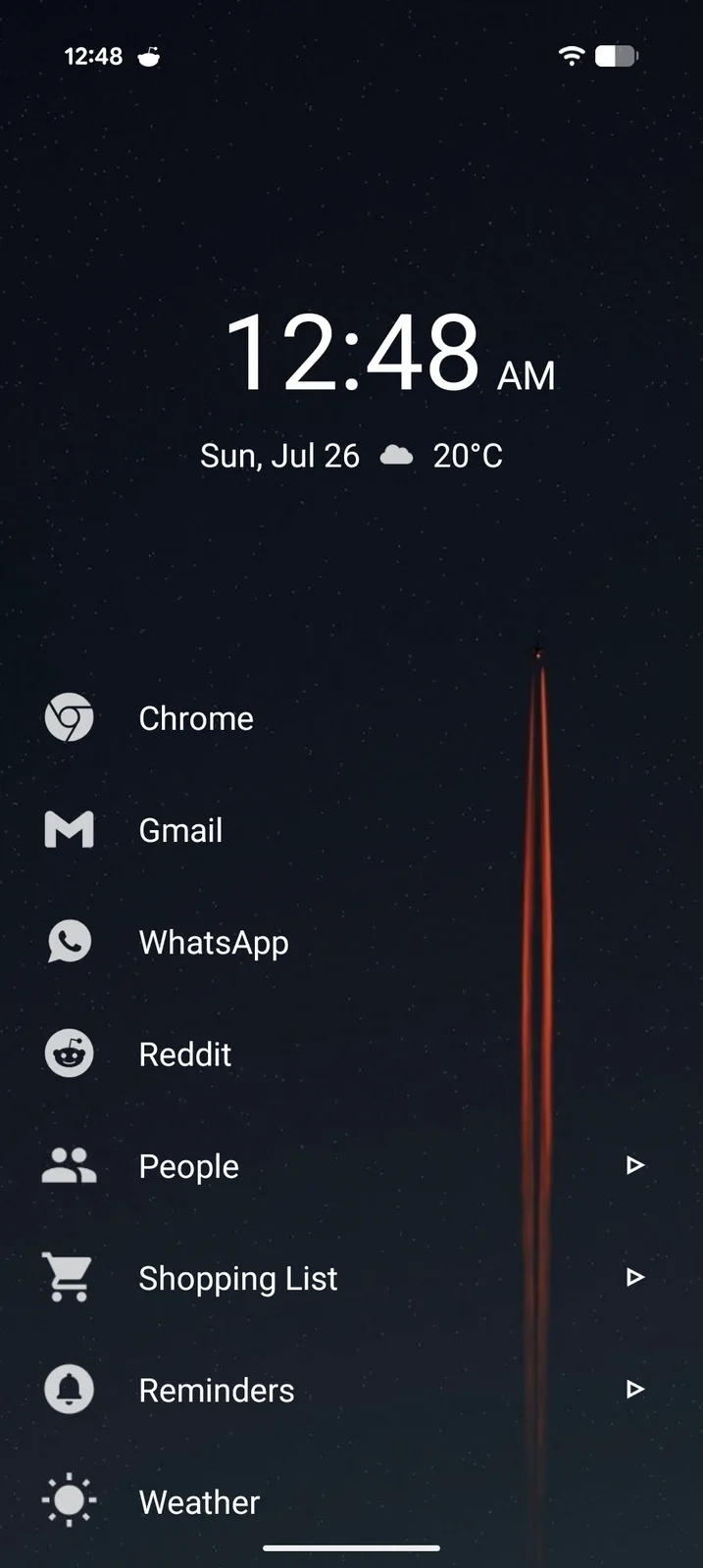
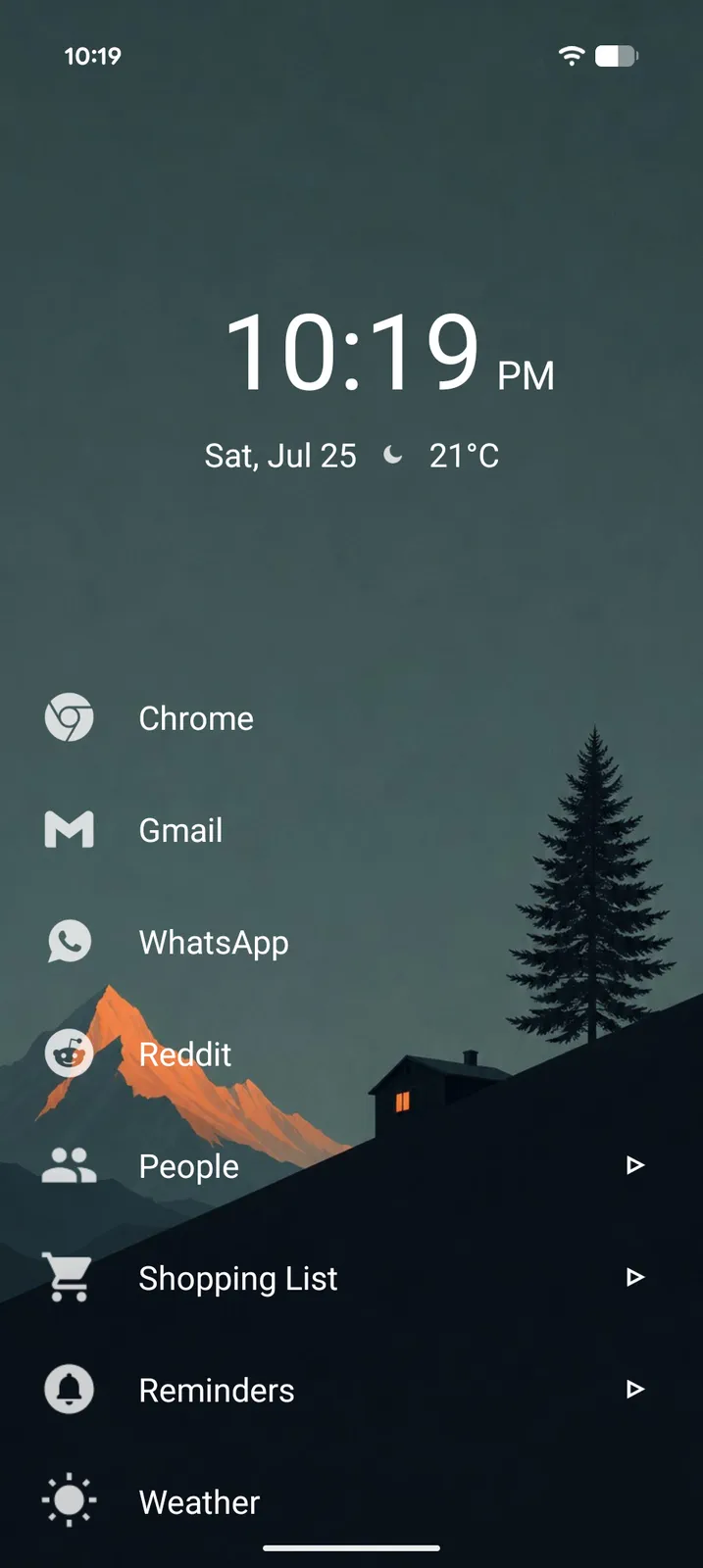
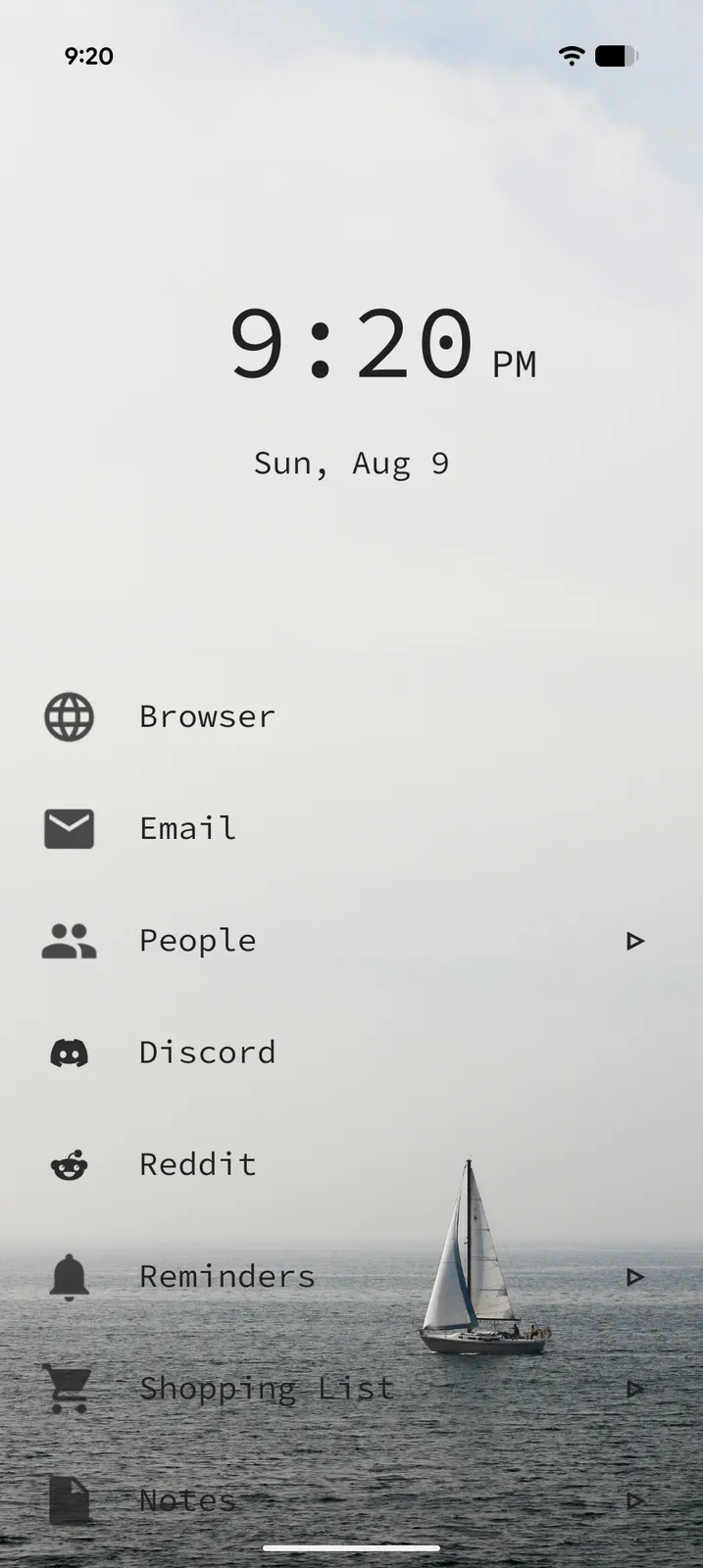
Themes bring every style setting together: background, colors, text, icons, layout and the Home header. Start from one of 28 photo presets, tweak it in a full-screen live preview, save it as your own, and share it with friends as a file. Changed your mind? Undo is one tap away.
Tweak anything, see it live.
Open any theme in the full-screen editor and change what you like: the background, accent color, icon style or Home header. The preview updates with every change, and nothing touches your home screen until you save or apply.
Icons, styled your way.
The icon engine restyles every icon at once. Pick a shape, a fill, a border and a glyph color, or start from a ready-made style like rings, soft tiles or accent glyphs. Prefer an icon pack? Those still work, and the engine can style them too. No icon pack hunting required.
Clean by design, powerful by nature.
Every page is a focused, scrollable list. No icon grids, no visual clutter. Mix a theme, an icon style and a header, and your home screen looks like nobody else's.
Generous free. Powerful Pro.
The core experience is completely free with no paywalls and no ads. Pro unlocks advanced features for power users.
Free
Free forever
- Unlimited nested pages
- Notes, tasks, links and images
- Full search across your tree
- Tags, pinned items, filtered views
- Inbox for quick capture
- Reminders with recurrence
- Themes
- Icon engine
- Custom page headers
- Fonts, colors, backgrounds and icon packs
- Google Drive backup
- Share-to-launcher
- Markdown export
Pro
Everything in Free, plus:
- Widgets
- Weather
- RSS feeds
- AI content generation
- PIN protection
Frequently asked questions
Everything you need to know about Tree Launcher.
The launcher is the app that runs your home screen — your wallpaper, app icons, dock, and app drawer all live inside it. Every Android phone ships with a default launcher, but you can replace it with a different one in about 30 seconds. Read the full primer →
Tree Launcher is an Android home screen replacement that combines a full app launcher with a productivity workspace. Instead of a traditional grid of app icons, it organizes everything (apps, notes, tasks, links, and more) into a hierarchy of pages you navigate by swiping.
Yes. The core experience is completely free with no ads: unlimited pages, all text editing features, full search, themes, and more. Pro is an optional upgrade that adds features including widget support, weather, RSS feeds, AI content generation, and PIN protection.
Most minimalist launchers strip your phone down to a simple list of apps. Tree Launcher does that too, but it also lets you create and organize content directly on your home screen. Notes, tasks, links, images, and apps all live together in pages you organize into a tree structure.
No. Tree Launcher is designed to be lightweight and fast. It's a native Android app with minimal background resource usage.
Absolutely. You can switch back at any time through your Android settings. Your Tree Launcher setup is preserved as long as the app remains installed or you've taken a backup.
Yes. Your data stays on your device. I use basic analytics to understand which features are most popular and improve the app, but I never sell your data or show ads. The optional Google Drive backup is the only cloud feature, and it's entirely in your control.
Ready to organize your home screen?
Free on Google Play. No ads. No clutter. Just you and your organized life.
Get Tree Launcher