Pro Features
Overview of all Pro subscription features — widgets, weather, RSS feeds, AI, and PIN protection.
What is Pro?
Tree Launcher Pro is an optional subscription that unlocks advanced features. The core launcher experience (pages, items, search, tags, customization, and more) is completely free.
Pro adds: - Widget support: home page header widget stack and dedicated Widget Pages - Weather: forecasts and conditions on your home screen - RSS feeds: subscribe to custom news feeds, and import your existing subscriptions from another reader with OPML (details) - AI content generation: create structured content with AI - PIN protection: lock pages and items
Pro Item Types
Widget Support
Add a scrollable widget stack to your home page header, or create dedicated Widget Pages that hold a scrolling column of widgets. See Widget Pages.
Weather
Display weather forecasts and current conditions directly in your launcher. See Weather.
AI Content Generation
Generate structured content using AI:
- Enter Edit Mode and tap +
- Select AI in the Create from section
- Describe what you want (a recipe, travel itinerary, project outline, etc.)
- Preview the generated content
- Edit and insert it into your page
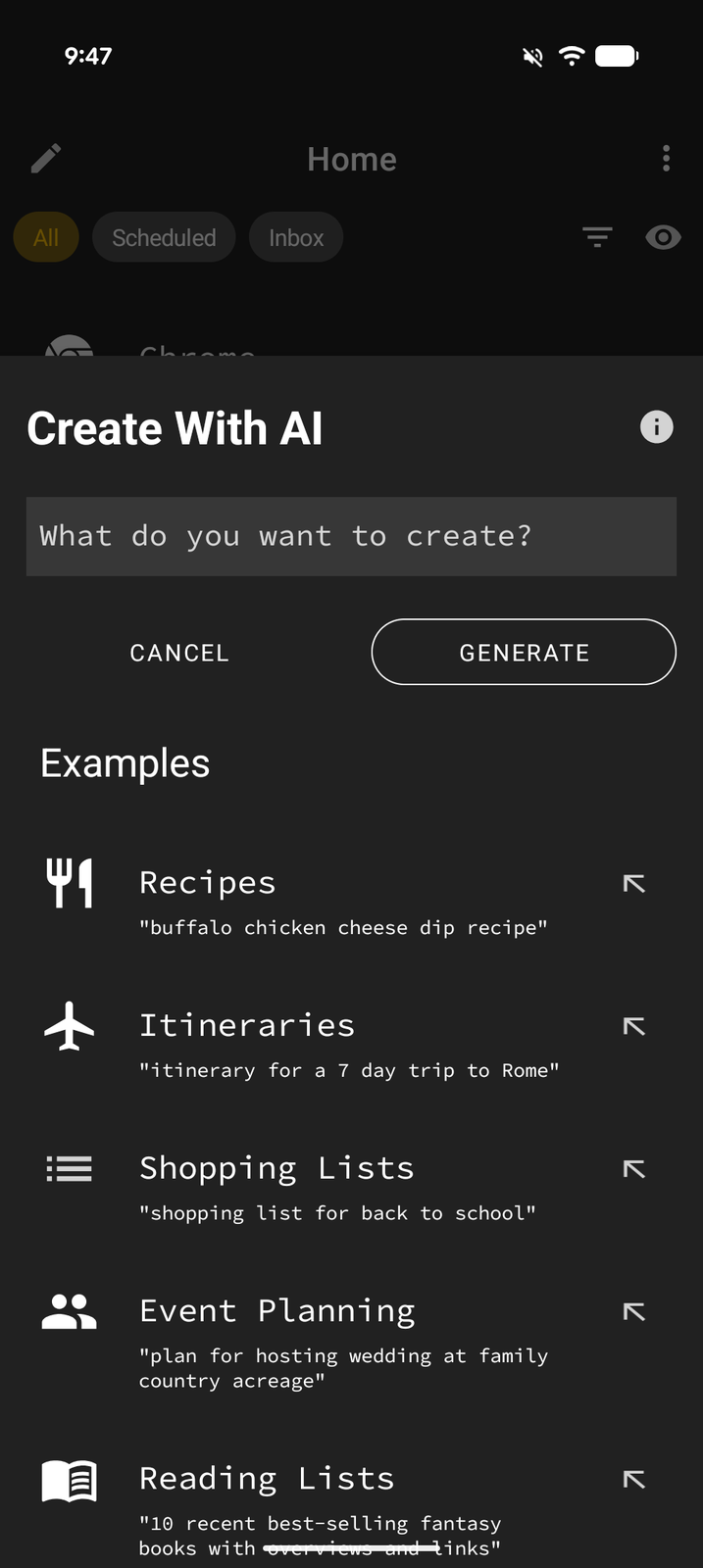
See AI Content for details.
Free Appearance Settings
Font selection, text size, and icon size are free for everyone. In Settings > Appearance, open Text for fonts and text size, or Icons for icon styling and size. These options also remain free when creating or applying a theme. See Customization.
Pro Header Features
Widget Stack Header
Replace the default clock header with a scrollable stack of Android app widgets:
- Go to Settings → Home Screen → Home Header
- Turn on the Widget Stack header switch
- Tap Add Widget to add widgets to your header stack
- Choose a header Height — Compact (25%), Standard, Tall (50%), or Full Screen (100%) — and tap Save
Weather on Home Header
Display current weather information alongside the clock in your home header. Go to Settings → Home Screen → Weather → Home Weather.
PIN Protection
Lock individual pages or items behind a PIN code:
- Enter Edit Mode and focus the page or item
- Open its menu
- Choose Lock and set a PIN
- The item will require the PIN to be entered before it can be accessed
Note: Existing PIN locks can still be managed without a Pro subscription. Pro is only required to create new locks.
Managing Your Subscription
Your Pro subscription is managed through the Google Play Store:
- Open the Google Play Store app
- Tap your profile icon → Payments & subscriptions → Subscriptions
- Find Tree Launcher to manage or cancel
You can also access subscription management from Settings → Tree Launcher Pro within the app.